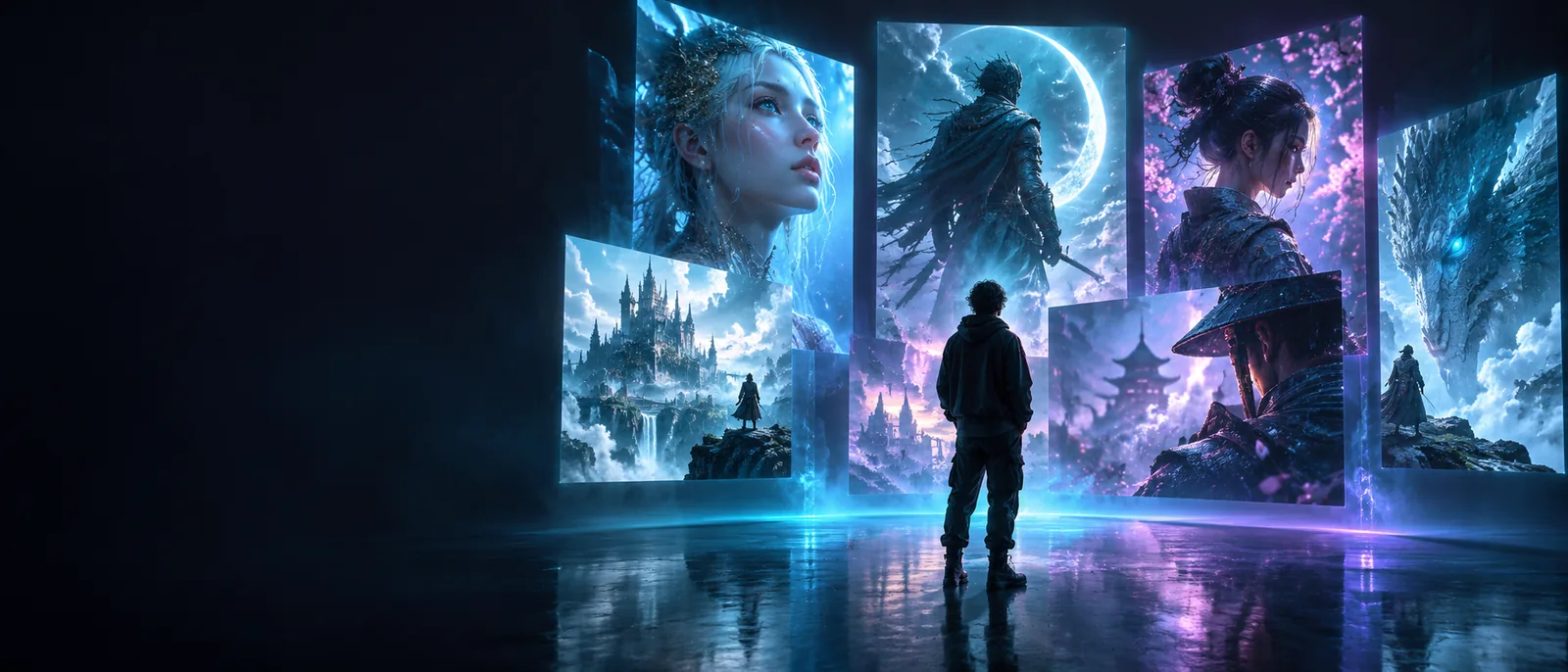
Visual creation guide

What is artflow ai and how does it work?

What is artflow ai? It is an AI-powered visual creation platform that helps people turn written ideas and references into images and other visual concepts.

Creative visual concepts created with Artflow AI

The short answer

A one-line definition

Artflow AI is a creative tool for developing visual ideas from text prompts, references, and a guided workflow. It helps move from an abstract concept to a presentable image with less manual production work.

Practical uses

How it works in real creative projects

People use Artflow AI when they need to explore a visual direction quickly, communicate an idea, or build a repeatable starting point for further editing.

Story creators

A writer needs a visual reference for a character, setting, or story moment before production begins.

Artflow AI turns the written concept into a visual starting point that can guide discussion and refinement.

artflow ai video generator
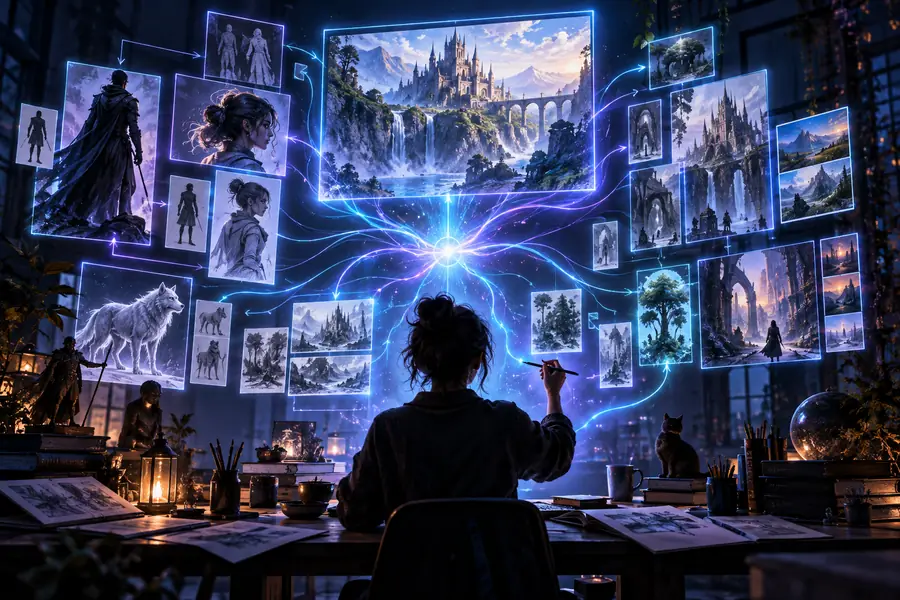

Content teams

A small team wants several visual directions for a campaign without beginning every concept in a traditional design tool.

Prompt-based exploration makes it easier to compare moods, compositions, and subject ideas.

artflow ai workflow

Character designers

An artist is testing how a character might appear across different poses, environments, or visual treatments.

Reference-led generation provides options to evaluate before choosing a direction for detailed work.

artflow ai for android

Beginners

Someone with an idea but limited image-making experience wants a clear way to start experimenting.

A guided prompt-and-review process lowers the barrier between an idea and a usable visual draft.

how to use artflow ai for beginners

The core process

How it works: three steps

The exact controls can vary by task, but the underlying Artflow AI workflow is easy to understand: describe, direct, and refine.

Describe the idea

Begin with the subject, setting, mood, style, or story beat you want to see. Specific language gives the system more useful direction.

Guide the visual

Add references or adjust the creative direction when the first result is close but not yet aligned with your intention.

Review and refine

Compare the output with the original goal, keep the strongest direction, and revise the prompt or inputs for another pass.

Capability check

What Artflow AI can and cannot do

Artflow AI is best understood as a visual ideation and production aid, not a replacement for every creative decision or finishing tool.

Can help with Still needs human judgment
1

Starting from an idea

Can help with

Turn a written concept into an initial visual direction.

Still needs human judgment

Decide whether the concept is strategically or emotionally right.

2

Visual exploration

Can help with

Generate alternative moods, subjects, settings, and compositions.

Still needs human judgment

Select the option that best serves the project.

3

Reference-led work

Can help with

Use references to communicate a desired visual direction.

Still needs human judgment

Check whether the result truly matches the reference and brief.

4

Early story development

Can help with

Make characters and scenes easier to discuss before production.

Still needs human judgment

Maintain narrative continuity across a complete project.

5

Final polish

Can help with

Provide a useful draft or starting point for further work.

Still needs human judgment

Replace professional retouching, editing, or art direction.

6

Factual accuracy

Can help with

Create an interpretation of the requested subject.

Still needs human judgment

Guarantee correct details, text, identity, or real-world information.

A visual example

From rough direction to a clearer visual

The value of Artflow AI is often easiest to see in the transition from an initial idea to a more considered visual direction.

Initial direction

Early visual concept for understanding Artflow AI
Refined visual concept created with an AI-assisted workflow
Refined concept

Use the first result as a starting point, then refine it against the brief.

Who uses it

One tool, several creative starting points

Artflow AI can support different stages of visual work, from the first spark of an idea to a draft that gives a team something concrete to review.

A written concept can become the starting point for visual exploration.
01 idea
Describe, guide, and refine form a simple way to approach the workflow.
03 stages
Creators, content teams, character designers, and beginners can all use the same core process.
04 audiences

Know the boundaries

What this route cannot do

A clear definition includes the limits. Artflow AI can accelerate visual exploration, but the output still needs context, review, and responsible use.

It cannot read your intent perfectly

A prompt may be technically specific but still miss the feeling, hierarchy, or cultural context you meant.

WorkaroundState the subject, mood, composition, and intended audience separately, then refine one variable at a time.

It cannot guarantee perfect details

Small text, hands, faces, continuity, and other fine details may need inspection and correction.

WorkaroundTreat generated visuals as drafts until the important details have been checked.

It cannot replace creative direction

The system can offer options, but it does not know which option best serves your brand, story, or audience.

WorkaroundSet a clear brief and make the final selection yourself or with your team.

It cannot remove every production step

A useful concept may still need editing, compositing, formatting, or approval before publication.

WorkaroundPlan for a review and finishing stage after generation.

Start with a clear brief

Turn a visual idea into a working direction

Now that you know what is artflow ai, start with one concrete subject and one intended outcome. A focused brief usually gives you a better basis for evaluating the first visual result.

  • Describe the subject before adding stylistic detail
  • Review the result against the original purpose
  • Refine the direction instead of accepting the first draft

Common question

Artflow AI FAQ

Here is the concise answer to the question behind this guide, along with the practical distinctions that make the definition useful.

Artflow AI is an AI-powered visual creation platform. It helps users develop images and visual concepts from written ideas, references, and guided creative direction.

Artflow AI is mainly used for visual ideation, character and scene exploration, storytelling support, and early creative development. It gives people a concrete visual direction to review and refine.

No. Artflow AI can speed up exploration and provide useful drafts, but people still decide what fits the brief and often handle editing, accuracy checks, and final polish.

A beginner can think of Artflow AI as a prompt-and-review workflow: describe an idea, guide the result, and refine it against the goal. Starting with one specific subject is usually clearer than asking for an entire finished project at once.

Start creating
Start creating