Write one visual brief
State the subject, setting, movement, mood, framing, and approximate duration in one compact prompt. Avoid combining several unrelated scenes in the first test.
Video workflow guide
The artflow ai video generator is best assessed through a small, repeatable brief rather than a vague prompt. This guide separates the video task from the wider Artflow AI workflow so you can judge the result clearly.
Start here
Prepare the brief, source material, and review criteria before testing Artflow AI. A clear setup makes video output easier to compare.
Use this broader planning guide when the video is only one stage in a larger creative process.
Follow the beginner-oriented sequence when you need a plain-language starting point before testing video.
Read the overview first if you want to distinguish the Artflow AI platform from a single video-generation task.
Test sequence
A useful first pass has three deliberate stages: define the shot, inspect the result, and revise only the variable that matters most.
State the subject, setting, movement, mood, framing, and approximate duration in one compact prompt. Avoid combining several unrelated scenes in the first test.
Look at subject consistency, motion, camera behavior, composition, and whether the output follows the intended action. Record what worked before changing the prompt.
Change one element at a time, such as camera movement or lighting. This makes the Artflow AI result easier to evaluate than a completely rewritten prompt.
Choose your brief
These use cases show how the same video generator can be tested against different creative priorities without pretending every workflow has the same goal.
Turn a single visual idea into a short mood reference for a pitch or storyboard.
You get a fast way to discuss atmosphere, framing, and movement before production decisions are final.
artflow ai workflowTest a compact scene with one subject and one clear action for a campaign concept.
A constrained brief makes it easier to judge whether the video supports the intended message.
how to use artflow ai for beginnersExplore how a designed subject might behave in a moving shot without building a full sequence first.
The result can reveal useful motion references while keeping expectations focused on exploration.
what is artflow aiCompare two prompts that differ in only one production choice, such as lens feel or lighting.
A controlled comparison helps separate prompt quality from random variation in the output.
artflow ai free alternativeCapability split
A video prompt can look precise on paper and still produce an uneven result. Compare the narrow video brief with a broader workflow brief before deciding what to test next.
Video brief
Evaluate one moving visual sequence
Workflow brief
Plan several connected creative stages
Video brief
Subject, action, setting, camera, and mood
Workflow brief
References, handoffs, revisions, and deliverables
Video brief
Motion or subject details drift between moments
Workflow brief
The process becomes too broad to evaluate clearly
Video brief
Check movement, continuity, framing, and visual clarity
Workflow brief
Check sequence, dependencies, and revision points
Video brief
One subject performing one visible action
Workflow brief
One small project with a defined start and finish
Video brief
A strong still image guarantees strong motion
Workflow brief
A complete plan guarantees a successful generated clip
Video brief
Change one prompt constraint at a time
Workflow brief
Change one workflow stage at a time
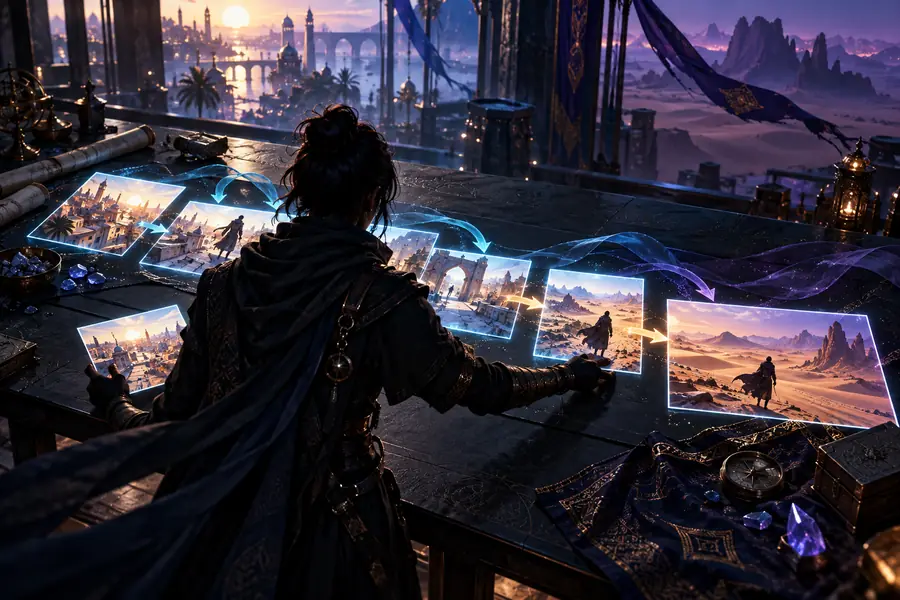

Use the pair to compare planning clarity with visible motion, not to treat one still preview as proof of final production quality.
Start with a short, specific brief and judge the output against the same checklist each time. Artflow AI is easier to understand when you separate experimentation from assumptions about production readiness.
Questions answered
These answers focus on the video-generator search intent and keep the distinction between a useful test and a guaranteed production result clear.
It is used to explore a written visual brief as moving content, such as a subject performing an action in a defined setting. Treat the first output as a test of direction, motion, and composition rather than an automatic final shot.
A single generated clip should not be assumed to equal a complete sequence. For a larger project, break the work into focused shots and use an Artflow AI workflow to organize references, revisions, and handoffs.
Include the subject, visible action, location, mood, framing, camera movement, and any important lighting cue. Keeping the first prompt narrow makes it easier to identify whether the Artflow AI result failed because of the brief or because of motion consistency.
Generative video can interpret several visual instructions unevenly, especially when a prompt contains multiple actions, characters, or camera changes. Reduce the number of moving parts, revise one constraint, and compare the new result with the original brief.
It can be approached by beginners when the first test is small and easy to review. Start with one subject, one action, and one setting, then use a beginner guide if you need help turning the result into a repeatable process.